



Woman struggling with hair loss, looking concerned.
Woman enjoying a donut at night, cozy setting.
Bianca Censori showcasing fall/winter fashion collection.

Tech

The Unexpected Social Media App Setting You Should Check If Your iPhone Keeps Dying, According To Experts

March 25, 2020 by Lisa Cupido
shefinds | Tech
Featured image

You may have reached maximum annoyance when it comes to being told that you should immediately delete several social media apps for the sake of your phone’s battery.

While that is good advice — because some apps are battery drainers — there are also ways to get around this rule, keep the app, and minimize its effect of your phone’s battery.

This is the unexpected social media app setting you should check if your iPhone keeps dying, according to experts.

house unit img
Women Are Swapping Their Boring Water For This Ice Pop Electrolyte Mix!
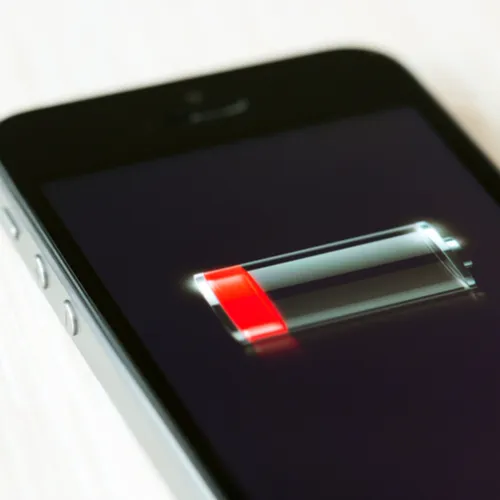
iphone battery

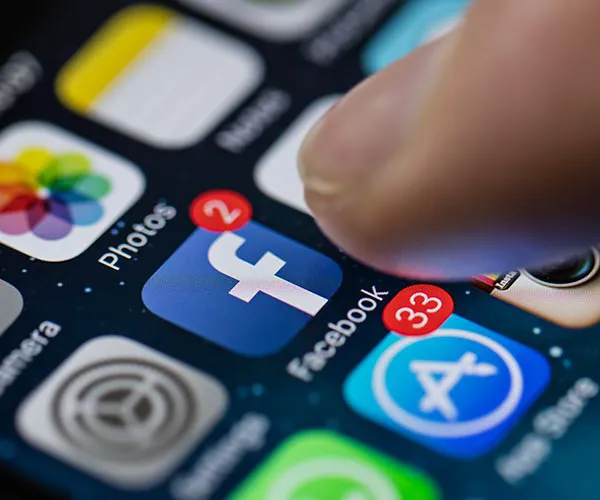
The Facebook app is one of the most battery-consuming apps you can download, and for understandable reasons. It’s constantly updating to provide new posts, videos, and images — plus the app itself does things you might not be aware of, like tracking your location so that it can provide you with targeted apps.
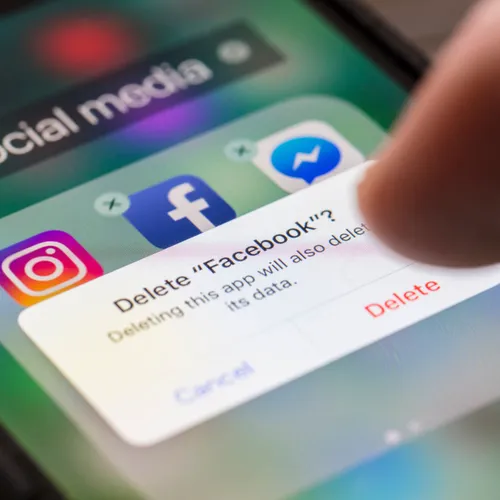
iphone

Deleting the Facebook app is a good way to restore your battery power. But if you aren’t ready to part ways with the app, there are two settings you can adjust to gain back battery power and data.
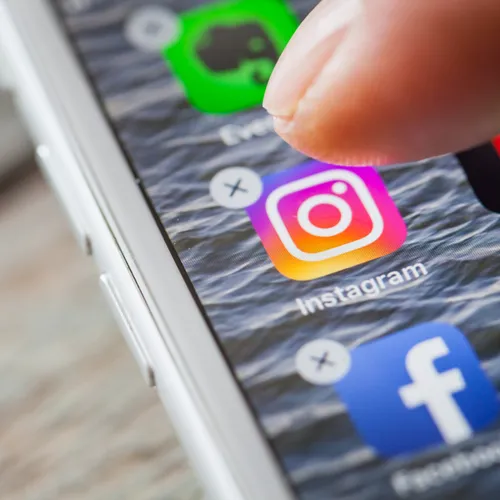
iphone


Turn Off Autoplay


If you have the Autoplay setting turned on, Facebook automatically plays videos — which is a total battery drainer. Choose when you want to view videos by heading over to Facebook > Settings > Videos & Photos and selecting “Never Autoplay Videos.”
iphone

Location Settings


There are a dozen reasons why you may not be keen on Facebook tracking your every move. Turn off Location Settings by going to Settings > Privacy > tapping on Location > turning off location tracking.


Author:

Lisa Fogarty is a lifestyle writer and reporter based in New York who covers health, wellness, relationships, sex, beauty, and parenting.

Close-up of Android phone showcasing app interface.
New iPhone 17 showcasing sleek design and features.
Woman working on laptop in a modern workspace.
Smartphone charging with a power adapter connected.
Display of popular apps on an iPhone screen.
Close-up of hands holding an iPhone 17 Pro Max.
Individual using an iPhone for various tasks.
Person holding iPhone displaying multiple apps.
Woman texting on her smartphone with focus.
Android phone showcasing diverse applications.
Samsung Galaxy Z Flip 7 smartphone in use.
Woman enjoying a fresh summer salad outdoors.
Holding an Android phone with app interface visible.
iPhone 14 displaying a variety of installed apps.
iPhone indicating low battery and charging settings.
Sony headphones and iPad being used with laptop.
Individual engaging with an iPhone for communication.
iPhone screen filled with various app icons.
Alert showing iPhone storage is full.
Person holding an iPhone in a casual setting.
Close-up of Android phone showcasing app interface.
New iPhone 17 showcasing sleek design and features.
Woman working on laptop in a modern workspace.
Smartphone charging with a power adapter connected.
Display of popular apps on an iPhone screen.
Close-up of hands holding an iPhone 17 Pro Max.
Individual using an iPhone for various tasks.
Person holding iPhone displaying multiple apps.
Woman texting on her smartphone with focus.
Android phone showcasing diverse applications.
Samsung Galaxy Z Flip 7 smartphone in use.
Woman enjoying a fresh summer salad outdoors.
Holding an Android phone with app interface visible.
iPhone 14 displaying a variety of installed apps.
iPhone indicating low battery and charging settings.
Sony headphones and iPad being used with laptop.
Individual engaging with an iPhone for communication.
iPhone screen filled with various app icons.
Alert showing iPhone storage is full.
Person holding an iPhone in a casual setting.

















