

Bianca Censori with pink hair wearing a sheer dress.
Celebrity image showcasing red carpet glamour.
Natalie Portman at the Golden Globes Party.

Homepage

Tech Experts Agree: You Should Stop Using This Scary Photo Setting On Your iPhone Immediately

August 22, 2021 by Lisa Cupido
shefinds | Homepage
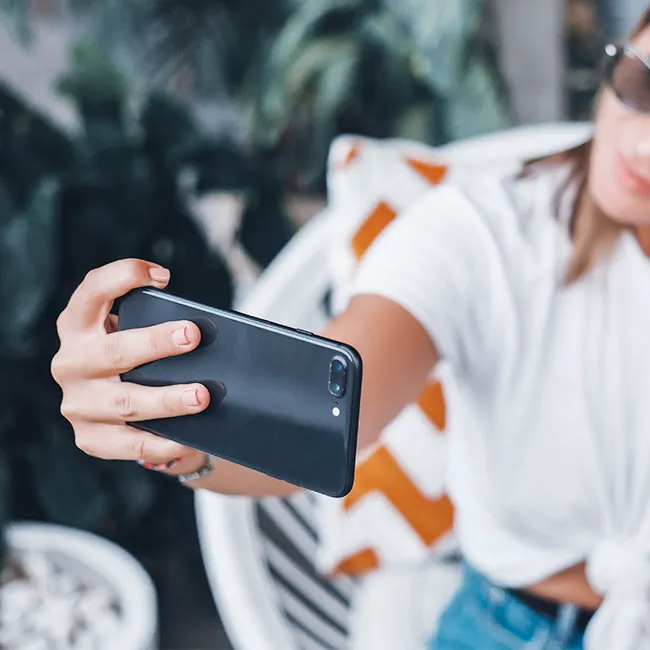
Featured image

It’s not uncommon these days to rely solely upon your iPhone when you want to take amazing photographs and videos. In fact, not owning an actual camera isn’t as unusual as it might have seemed in the not-so-distant past. With the said, there are settings on your camera that you might not even know exist (or you may simply not realize they can make your photos 100 times more incredible). When it comes to privacy, there’s also one specific setting that deserves your immediate attention. Tech experts agree: you should stop using this scary photo setting on your iPhone immediately. 

Camera Location Settings

Ever wonder how your phone automatically knows the location of a photo you snapped when you post on Instagram? It’s not magic. You can credit (or blame, depending on how you look at it) your camera location settings for that. And, as you might be thinking, there are major pros and cons when it comes to this photo setting and reasons to consider adjusting it. 

house unit img
Women Are Swapping Their Boring Water For This Ice Pop Electrolyte Mix!
camera photo setting

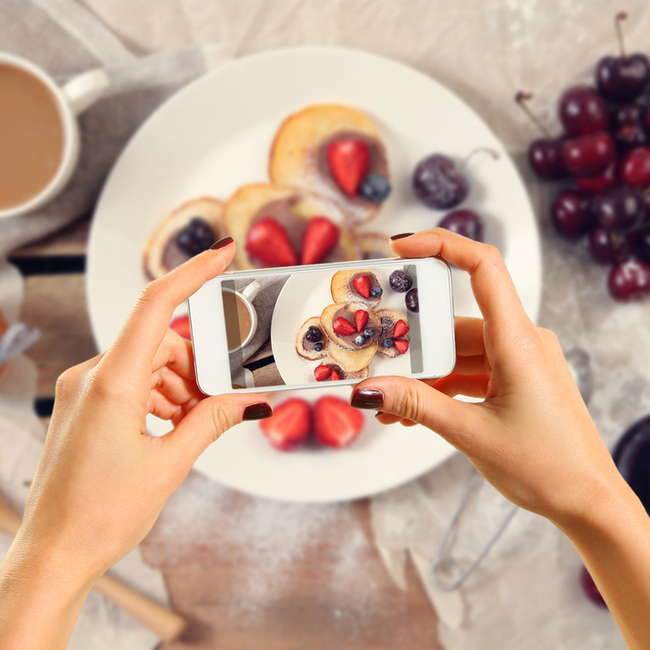
One of the best reasons to include photo location is that it makes it a breeze to organize your photos and videos in folders according to location. Want to quickly find all of the memories from that trip to San Francisco? Simple — as long as you have location settings enabled they’ll all pop up according to destination. But this setting also makes it far too easy for a stranger to find out where you are and have access to private locations. There are two settings you should become familiar with to keep yourself safe. The first is how to turn off location settings when taking a photo or video. To do this: go to Settings — Privacy — Location Services — Camera — tap Never to disable this function.
camera photo setting

To remove location when you’re sharing a photo or video, the process is a bit different. Open photos and locate the photo you want to share. Tap Select — Share — Options. From here, switch the gray “off” position next to Locations and tap Done. Now share your photos on Instagram or Facebook without worrying about your location being shared along with them. 
Author:

Lisa Fogarty is a lifestyle writer and reporter based in New York who covers health, wellness, relationships, sex, beauty, and parenting.

Popular coffee and fast food brands: Dunkin', Chick-fil-A, Starbucks logos.
JD Vance visiting University of Georgia for college tour event.
Jennifer Aniston and Benny Blanco at an event.
Best summer scents and fragrances of 2026 for beauty enthusiasts.
Julia Roberts at the Critics' Choice Awards.
Various iPhone apps displayed on smartphone screen.
Sofia Vergara attending the Oscars red carpet.
Kate Middleton with Prince George at a public event.
Woman adding sugar to aromatic coffee in a cozy setting.
Gwyneth Paltrow at the Golden Globes ceremony.
Donald Trump and Melania Trump at a gala.
Angelina Jolie at the AFI Festival event.
Taylor Swift and Travis Kelce at a public appearance.
Nikol Johnson sharing makeup tips on YouTube.
Ivanka Trump at the Fontainebleau Las Vegas opening.
Crofton cold brew maker and drinking glasses from Aldi.
Barron Trump at Donald Trump's inauguration ceremony.
Ariana Grande posing at the Oscars red carpet.
Assorted bagels with blueberries and butter on wooden board.
Close-up of male hands holding an Apple iPhone 17 Pro Max.
Popular coffee and fast food brands: Dunkin', Chick-fil-A, Starbucks logos.
JD Vance visiting University of Georgia for college tour event.
Jennifer Aniston and Benny Blanco at an event.
Best summer scents and fragrances of 2026 for beauty enthusiasts.

Beauty

Summer is my favorite season. If I could bottle up ...

Julia Roberts at the Critics' Choice Awards.
Various iPhone apps displayed on smartphone screen.
Sofia Vergara attending the Oscars red carpet.
Kate Middleton with Prince George at a public event.
Woman adding sugar to aromatic coffee in a cozy setting.
Gwyneth Paltrow at the Golden Globes ceremony.
Donald Trump and Melania Trump at a gala.
Angelina Jolie at the AFI Festival event.
Taylor Swift and Travis Kelce at a public appearance.
Nikol Johnson sharing makeup tips on YouTube.
Ivanka Trump at the Fontainebleau Las Vegas opening.
Crofton cold brew maker and drinking glasses from Aldi.
Barron Trump at Donald Trump's inauguration ceremony.
Ariana Grande posing at the Oscars red carpet.
Assorted bagels with blueberries and butter on wooden board.
Close-up of male hands holding an Apple iPhone 17 Pro Max.