



If you’re searching for ways to make your iPhone battery last longer — because, after all, a longer-lasting battery often means a longer-lasting phone — there are a few steps you can take. For starters, good charging habits can make a huge difference. Getting into the habit of charging your device so that it stays within the golden spot of 40 to 80 percent charged is smart, as is only using charging cables and chargers that are certified by Apple and, therefore, deemed safe for your device.
But within your phone itself, there are some settings that you may not even know about that can help your battery last longer. When enabled, these settings slowly hack away at battery life (slow at first, and then faster). Get a handle on them now by disabling these three settings for a longer-lasting iPhone battery.

Women Are Swapping Their Boring Water For This Ice Pop Electrolyte Mix!
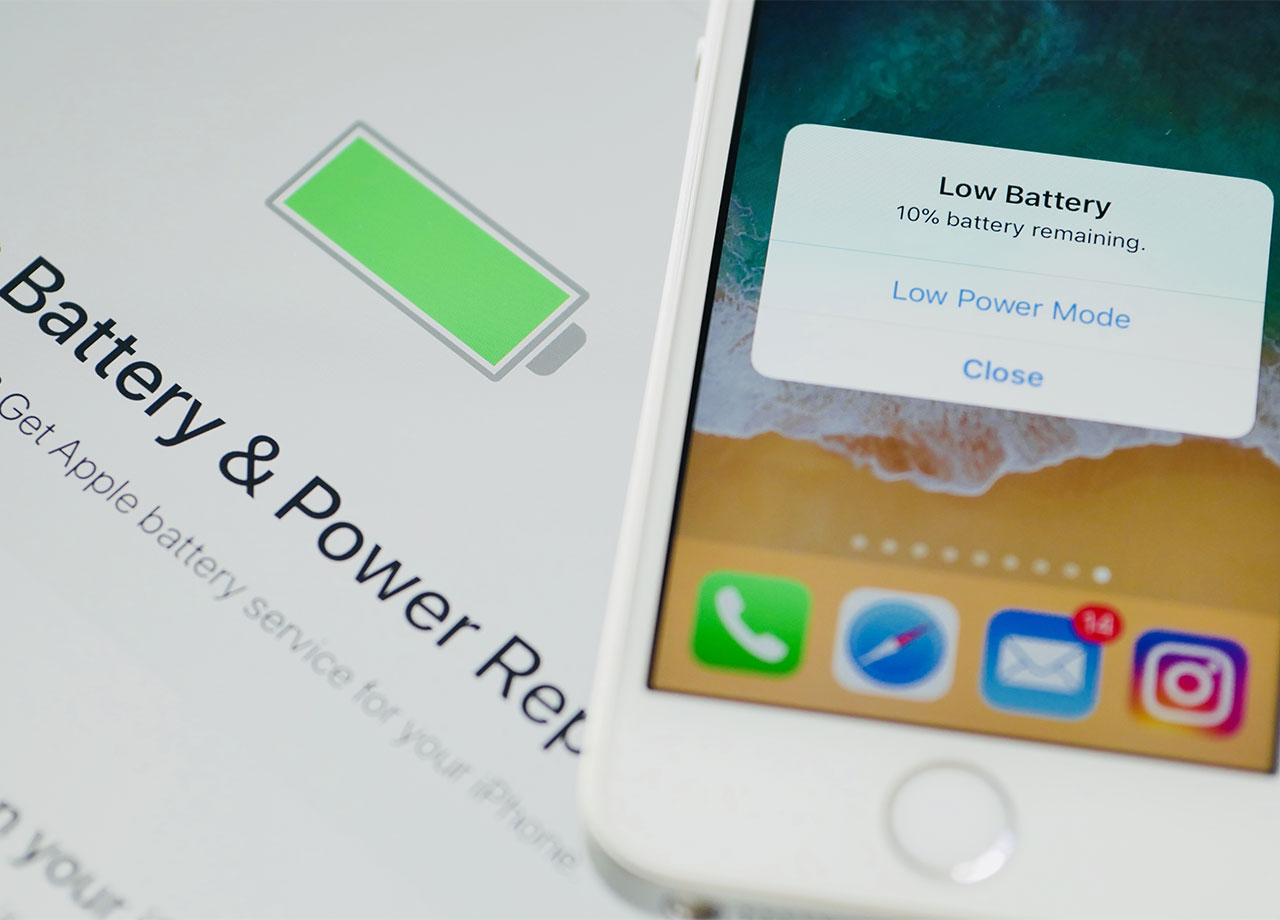
1. Background App Refresh
Is Background App Refresh nice to have? Sure. Does it make using some of your apps more convenient? Absolutely. But the pros aren’t really worth the cons here if you’re concerned about your phone’s battery power.
This setting is designed to constantly refresh your apps’ content so that there is no waiting period between the time you click on an app and the new content it delivers to you. Allowing apps to refresh in the background means, simply put, that they are constantly working, even when you aren’t actively using them. This is a complete waste of battery power and something you don’t need in your life.
Go to Settings > General > Background App Refresh and turn it off entirely. Chances are, you will not even miss this setting.
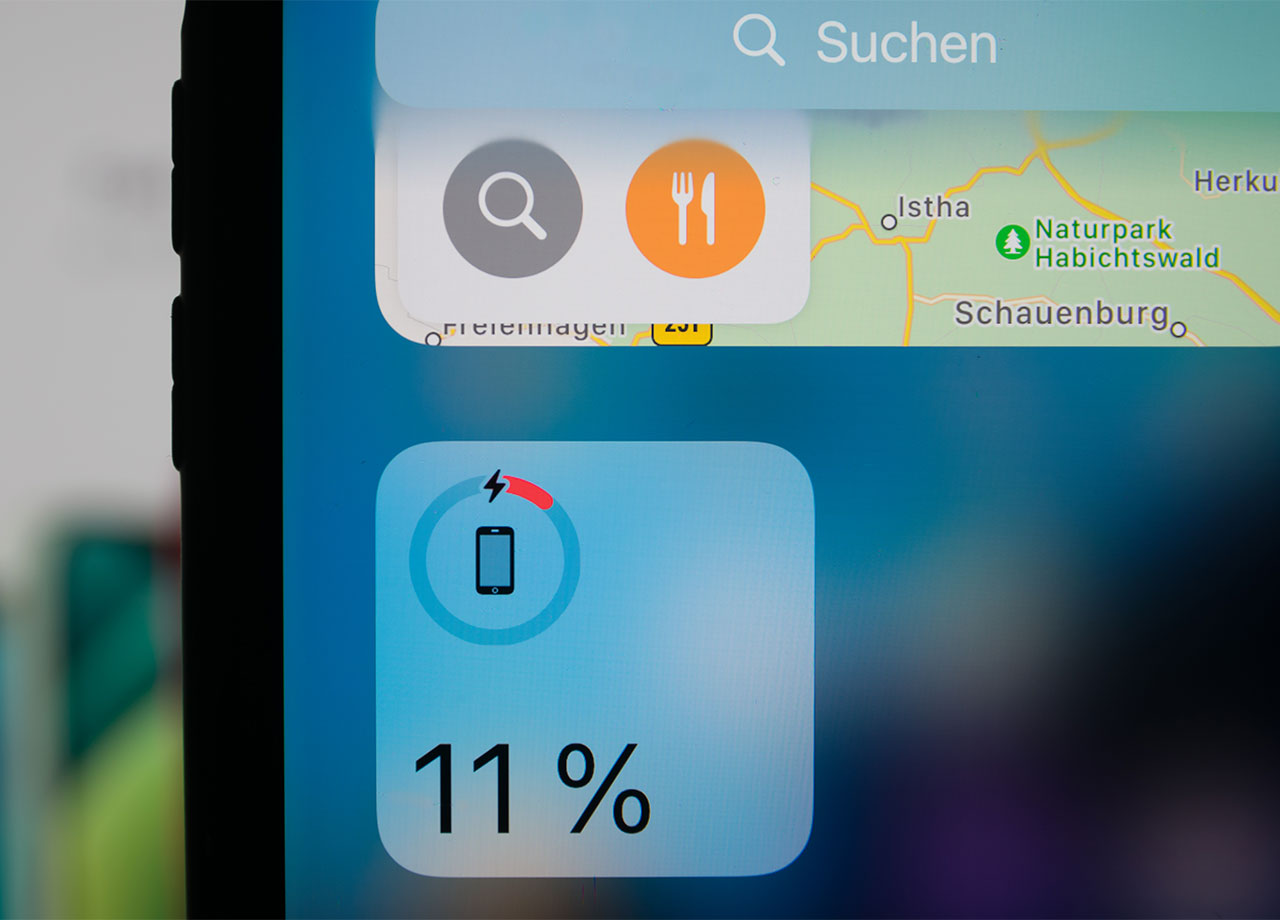
2. Location Services
When your phone uses Location Services, it is constantly accessing your location, presumably to help apps like Weather and GPS apps effectively do their jobs. But there are times when your phone doesn’t need to know your location, and if that setting is still turned on, you are losing precious battery power without getting anything back in return.
You can help boost your battery life by going to Settings > Privacy > Location Services and either turning off this setting for every app, or going through each app one by one and determining which ones require location to be turned on.
And remember: little habits matter a great deal when your goal is to prolong your battery power. Shield your phone from extreme ambient temperatures, especially when you’re charging it, always download the latest software available on your device, and lower your brightness settings as much as possible to reduce the strain they pose on your phone’s battery.
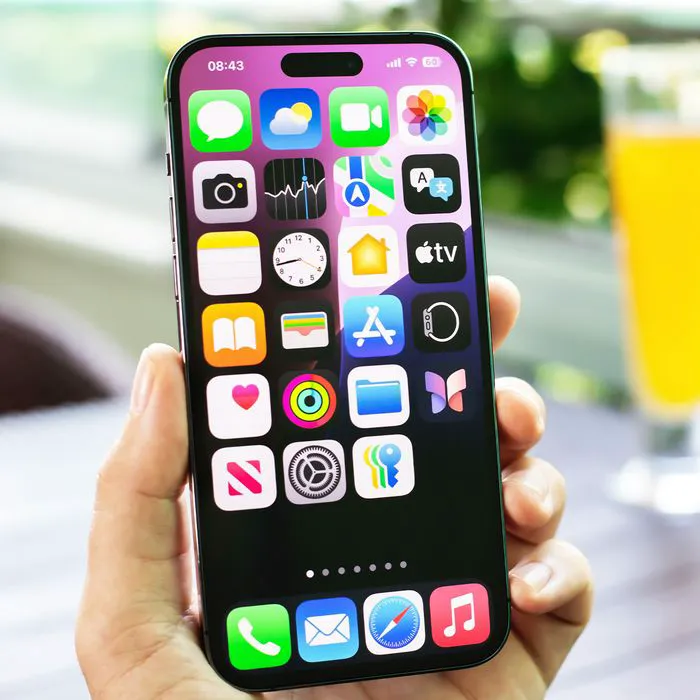
3. App Suggestions
iPhone's App Suggestions feature can recommend apps based on factors like your routines, location, and the time of day, helping you quickly access apps you’re likely to use. While convenient, features that continually use background activity and location data can contribute to battery drain over time.
"Suggested Apps, introduced in iOS 8, help your phone figure out where you are and what you are nearby using your location information," explains tech pro Luke Ford. "It also suggests which apps, either installed on your phone or new on the App Store, might be worth your while based on that location information. This does, however, use extra battery life because it must constantly be communicating with the App Store, checking your location, etc. This used to be controlled in the Settings app in iOS 10; it moved into Notification Center."
Here’s how to disable it in iOS 10: Swipe down from the top of the screen to open Notification Center > Today view > Edit > Siri App Suggestions > Remove.