


Princess Diana and Prince Andrew at a public event.
Prince Harry and Meghan at the World Mental Health Day Gala.
Butterfly haircut showcased on a social media platform.

Tech

The One App You Should Download Right Now If You Never Want To Run Out Of Storage Again

January 19, 2020 by Lisa Cupido
shefinds | Tech
Featured image

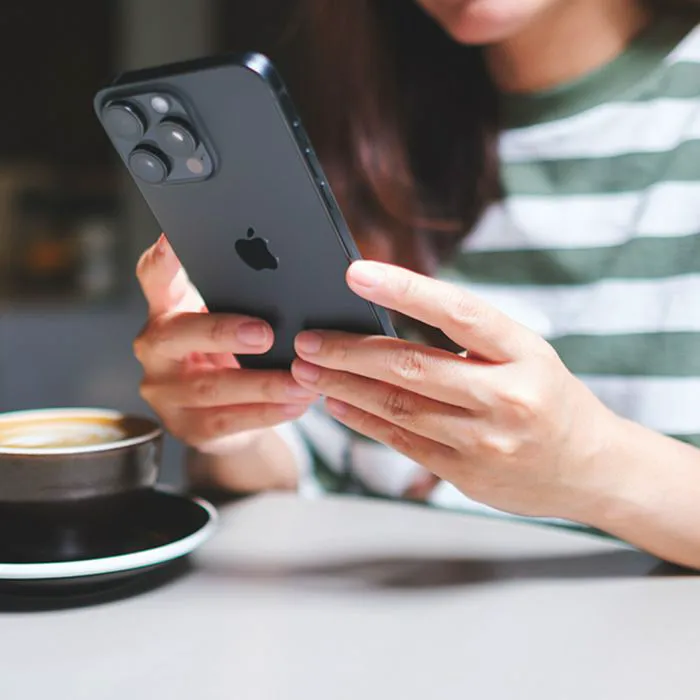
You know that feeling of dread that you get when a pop-up on your iPhone lets you know you’re just about to run of storage? Worse: when that pop-up appears just as you’re about to take an important photo or video?

There’s an app that can help with that.

Most apps provide the opposite service — they sap your phone of more storage. But this is the one app you should download right now if you never want to run out of storage again.

house unit img
Women Are Swapping Their Boring Water For This Ice Pop Electrolyte Mix!
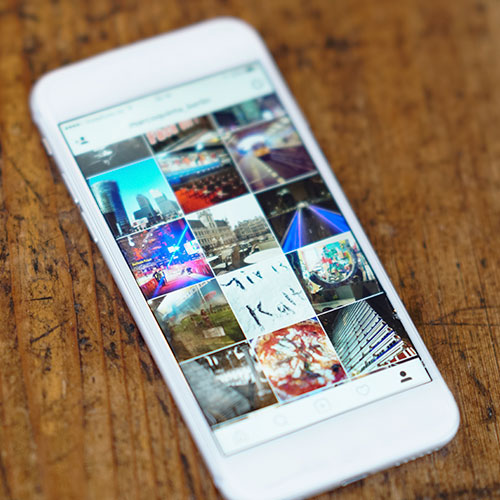
iphone

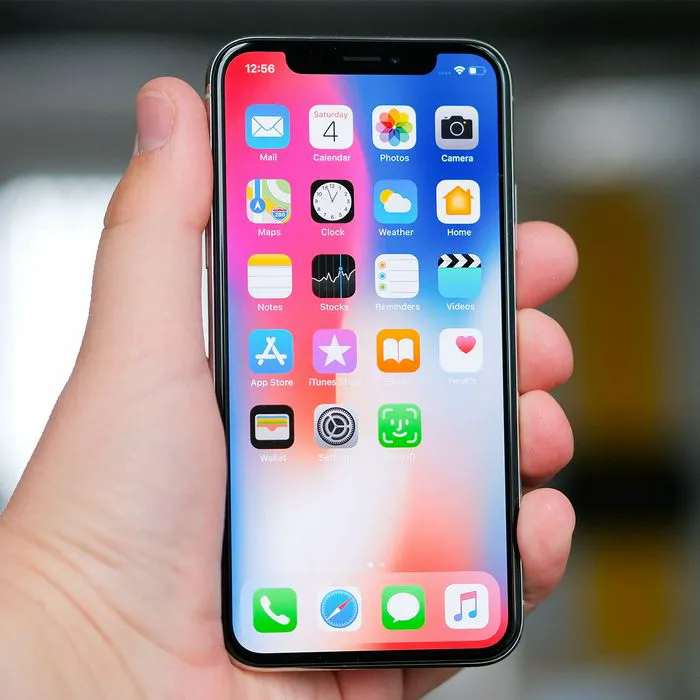
Some apps are naturally going to rob you of phone storage faster than others. But, while it’s easy to delete the Facebook app and access the social media site via your browser, there isn’t much that can be done about your phone’s amazing camera and photo app.


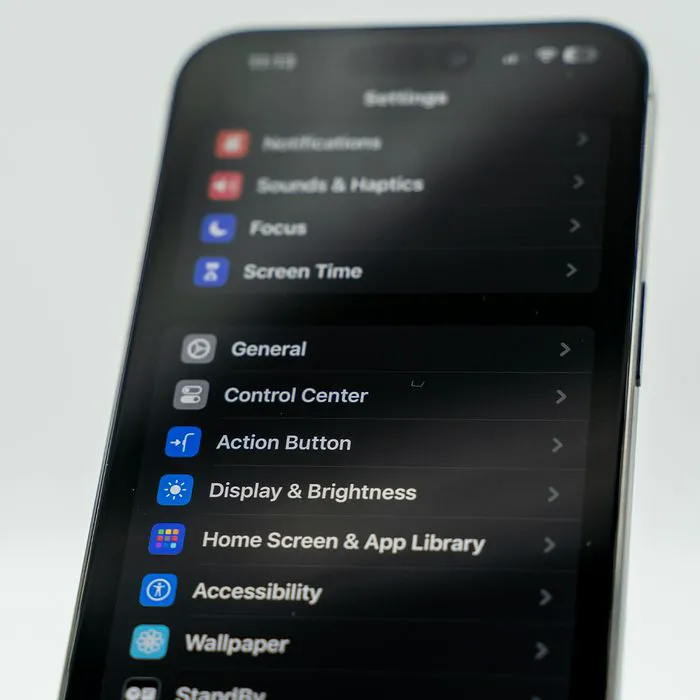
Your iPhone takes amazing photos and videos — and that isn’t something you probably want to limit. But if you’re saving all of those photo and video files on your device, you are also costing your phone major storage.


This app can help.
iphone

Dropbox


The truth is: there are a number of apps out there that will store images and videos so that you can delete them from your photos app and will, in turn, give you back major storage space. But you don’t have to spend a lot of money on apps — one of the best is an old-school app that’s completely free: Dropbox.
iphone

Dropbox is a free iCloud storage app that’s available on iPhone and Android. It’s free up to 2GB and syncs across devices. It’s also the perfect free app is you just want a simple solution and don’t want to jump through hoop to figure out how to store your photos.


According to Expert Photography: “It is a rather simple platform, which is perfect to avoid confusion. It’s best for those photographers who store their images in folders, as DB works in a similar way.”
iphone

You can download Dropbox to run on any device. Free photos and videos from your photo app by dragging and dropping them to Dropbox.


That’s it! That’s all it takes to move images over to a safe storage space and boost your phone’s storage space ASAP.

Author:

Lisa Fogarty is a lifestyle writer and reporter based in New York who covers health, wellness, relationships, sex, beauty, and parenting.

Person holding iPhone displaying various apps.
Woman texting on smartphone outdoors.
Android phone showcasing multiple apps.
Samsung Galaxy Z Flip 7 smartphone on display.
Woman enjoying summer salad with watermelon and feta.
Person holding Android phone showing app icons.
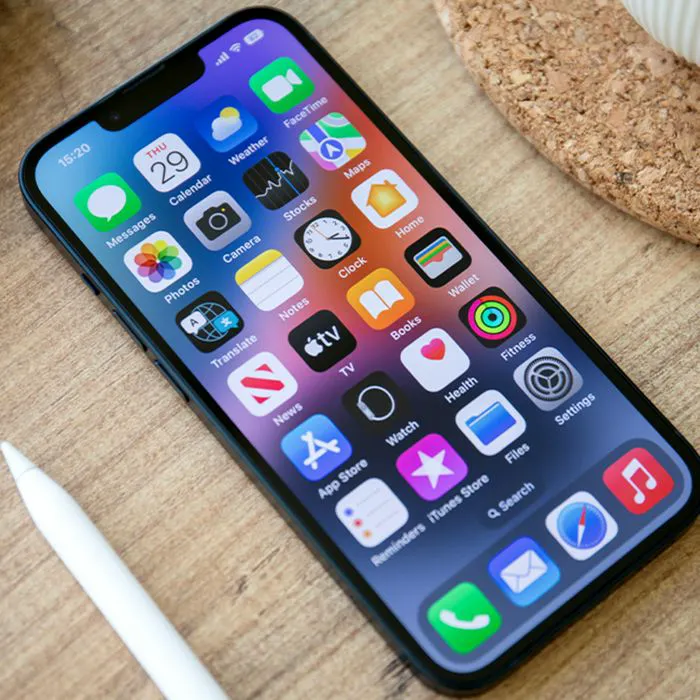
iPhone 14 with various applications on screen.
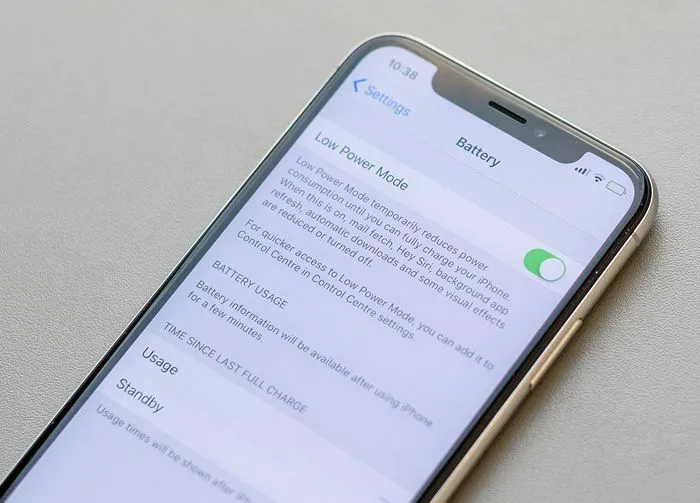
iPhone battery settings indicating low charge.
Sony headphones with iPad and laptop setup.
Individual using iPhone while sitting.
iPhone screen featuring multiple installed apps.
iPhone showing full storage notification.
Person holding an iPhone in hand.
iPhone screen displaying different app icons.
Android phone connected to charger.
iPhone showcasing an array of apps.
Person holding an iPhone, looking at screen.
Woman holding iPhone and smiling.
iPhone 16 connected to charger, showing battery status.
John Travolta at the 4th Annual Academy Museum Gala.
Person holding iPhone displaying various apps.
Woman texting on smartphone outdoors.
Android phone showcasing multiple apps.
Samsung Galaxy Z Flip 7 smartphone on display.
Woman enjoying summer salad with watermelon and feta.
Person holding Android phone showing app icons.
iPhone 14 with various applications on screen.
iPhone battery settings indicating low charge.
Sony headphones with iPad and laptop setup.
Individual using iPhone while sitting.
iPhone screen featuring multiple installed apps.
iPhone showing full storage notification.
Person holding an iPhone in hand.
iPhone screen displaying different app icons.
Android phone connected to charger.
iPhone showcasing an array of apps.
Person holding an iPhone, looking at screen.
Woman holding iPhone and smiling.
iPhone 16 connected to charger, showing battery status.
John Travolta at the 4th Annual Academy Museum Gala.