
Tired woman showing effects of lack of sleep on her face.
Creamy banana nice cream in a bowl with toppings.
Jennifer Lopez at 2025 American Music Awards in stylish outfit.

Tech

The One Email Setting You Should Turn On ASAP, According To Security Experts

March 10, 2020 by Lisa Cupido
shefinds | Tech
Featured image

If you’re like a lot of smart phone users you rely on email communication to correspond with friends, family, and coworkers. And, perhaps, you’d rather not the rest of the world, or would-be hackers, get ahold of some of the private information that you convey via email.

Luckily, there’s a phone setting that can help keep your private info secure. This is the one email setting you should turn on ASAP, according to security experts.

house unit img
Women Are Swapping Their Boring Water For This Ice Pop Electrolyte Mix!
iphone

One of the easiest, and most effective ways you can safeguard your email is by simply ensuring your password is strong, complex, and that you have not already used it before.


But given the number of sites and apps you use that require a unique password, it’s pretty difficult to create and recall passwords for each of them.


But there is a setting that can help.
iphone

iOS 12’s password manager has a new feature called password auditing that provides you with a helpful warning any time you try to create a password that you’ve already used before, according to Tech Crunch. “It prevents password reuse attacks (known as ‘credential stuffing’) that hackers use to break into multiple sites and services using the same username and password.”
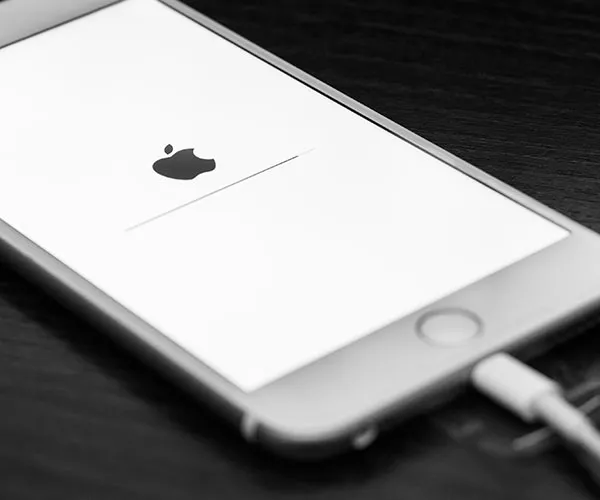
iphone

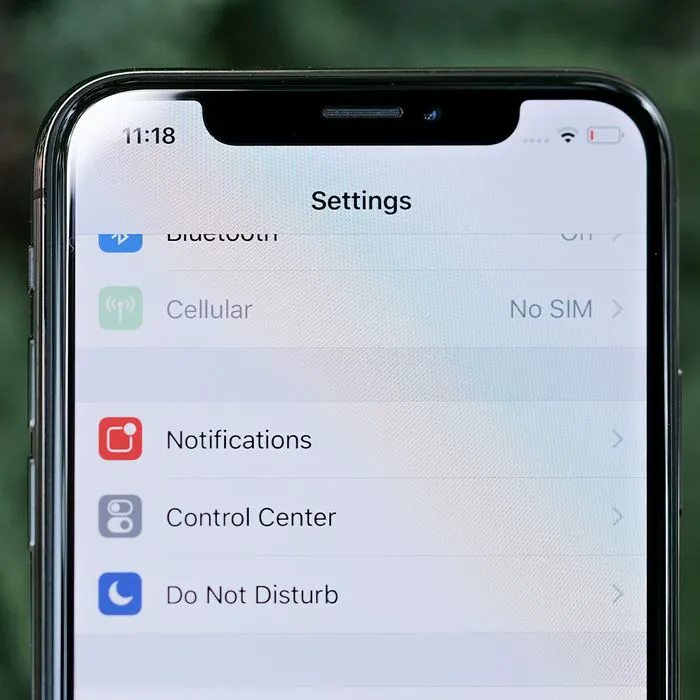
Here’s the simple way to set up this feature on your phone: “Go to Settings > Passwords & Accounts > Website & App Passwords and enter your passcode,” reports Tech Crunch. “You’ll see a small warning symbol next to each account that recognizes a reused password. One tap of the Change Password on Website button and you’re done.”
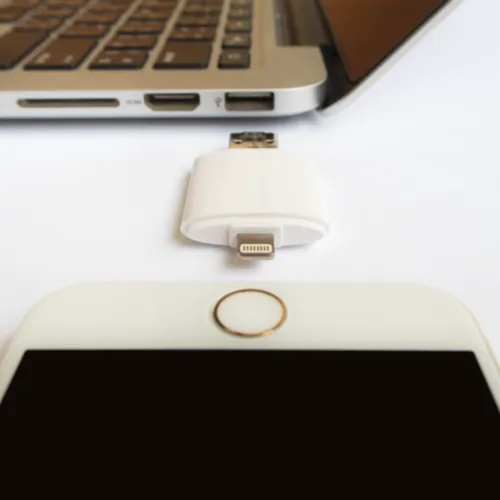
iphone

Wondering how to make your actual password as strong as possible? Some important tips to keep in mind include never creating a password that’s less than 15 characters and using a creative mix of numbers, symbols, and lowercase and uppercase letters.
Author:

Lisa Fogarty is a lifestyle writer and reporter based in New York who covers health, wellness, relationships, sex, beauty, and parenting.

New iPhone 17 showcasing sleek design and features.
Woman working on laptop in a modern workspace.
Smartphone charging with a power adapter connected.
Display of popular apps on an iPhone screen.
Close-up of hands holding an iPhone 17 Pro Max.
Individual using an iPhone for various tasks.
Person holding iPhone displaying multiple apps.
Woman texting on her smartphone with focus.
Android phone showcasing diverse applications.
Samsung Galaxy Z Flip 7 smartphone in use.
Woman enjoying a fresh summer salad outdoors.
Holding an Android phone with app interface visible.
iPhone 14 displaying a variety of installed apps.
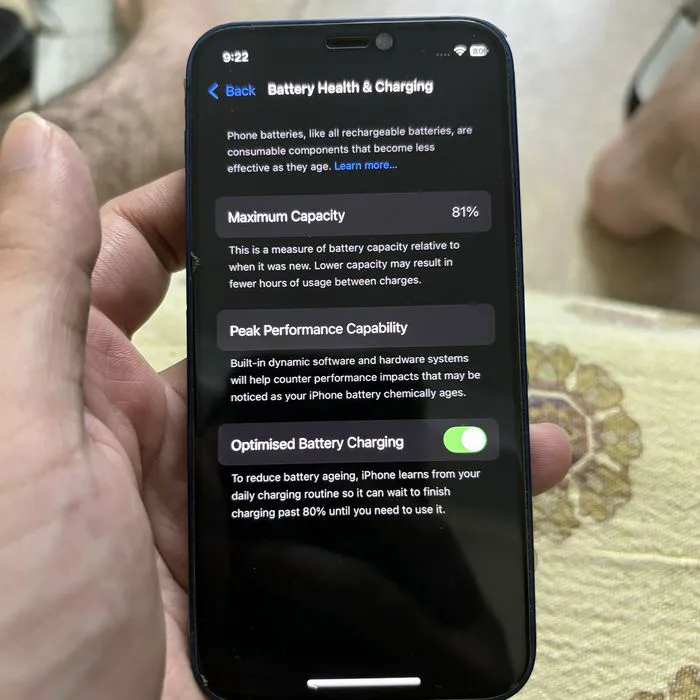
iPhone indicating low battery and charging settings.
Sony headphones and iPad being used with laptop.
Individual engaging with an iPhone for communication.
iPhone screen filled with various app icons.
Alert showing iPhone storage is full.
Person holding an iPhone in a casual setting.
iPhone screen featuring a grid of applications.
New iPhone 17 showcasing sleek design and features.
Woman working on laptop in a modern workspace.
Smartphone charging with a power adapter connected.
Display of popular apps on an iPhone screen.
Close-up of hands holding an iPhone 17 Pro Max.
Individual using an iPhone for various tasks.
Person holding iPhone displaying multiple apps.
Woman texting on her smartphone with focus.
Android phone showcasing diverse applications.
Samsung Galaxy Z Flip 7 smartphone in use.
Woman enjoying a fresh summer salad outdoors.
Holding an Android phone with app interface visible.
iPhone 14 displaying a variety of installed apps.
iPhone indicating low battery and charging settings.
Sony headphones and iPad being used with laptop.
Individual engaging with an iPhone for communication.
iPhone screen filled with various app icons.
Alert showing iPhone storage is full.
Person holding an iPhone in a casual setting.
iPhone screen featuring a grid of applications.