




Donald Trump meets with Irish Taoiseach Micheál Martin in the Oval Office.
Bill Gates at the 12th Annual Breakthrough Prize Ceremony
Stylish pillbox organizer for daily vitamins and supplements.

Tech

The Hidden Feature Every Apple Store Employee Loves Because It Adds YEARS To Your iPhone Battery

January 7, 2020 by Lisa Cupido
shefinds | Tech
Featured image

There are a million reasons why it’s important to keep the latest software installed on your iPhone or Android — and a few hidden features on the latest software installment that should absolutely make you a believer in updates.

If you struggle to maintain battery power on your iPhone throughout the day, you need to know about the coolest, most unexpected feature offered on iOS 13.3. This is the hidden feature every Apple store employee loves because it adds YEARS to your iPhone battery.

house unit img
Women Are Swapping Their Boring Water For This Ice Pop Electrolyte Mix!

iphone

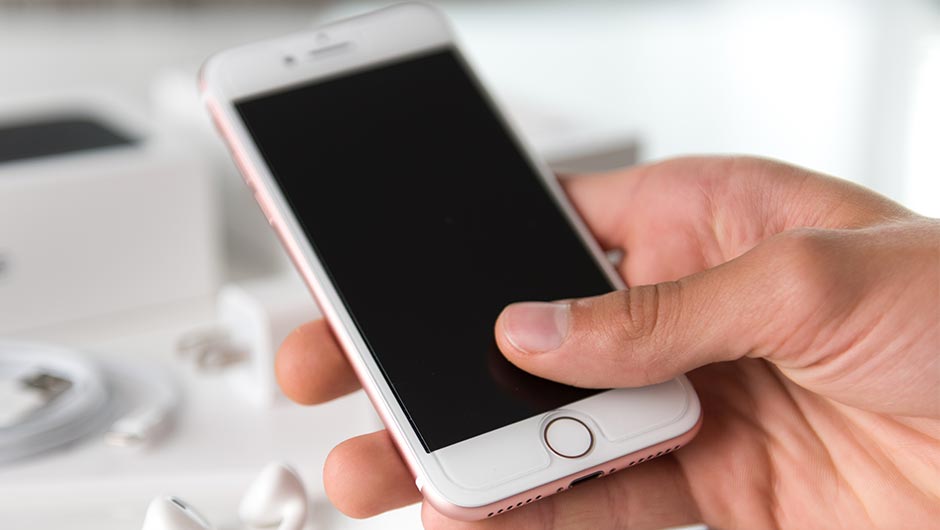
There are a number of new features that come with your iOS 13.3 download — but one is strictly designed to assist you in gaining back valuable battery power. One of the problems we unknowingly cause to our phones is overcharging devices past 100 percent, which results in a trickle charge that can wear out the battery over time.
iphone

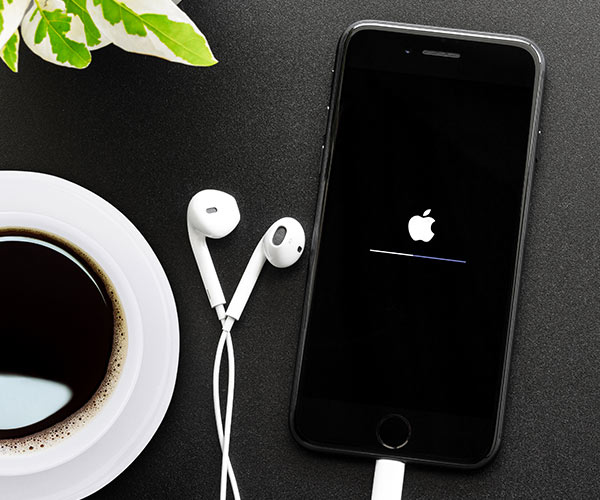
Apple’s latest offering, called Optimized Battery Charging, helps by actually restricting your battery from charging too much. According to Cnet: “If you normally charge overnight while you sleep, Optimized Battery Charging will keep your iPhone's battery at 80% for most of the night, finishing off the last 20% of charge right before your alarm goes off.”
iphone

In order to activate this battery-saving feature, simply go to Settings > Battery > Battery Health and toggle it on.
iphone

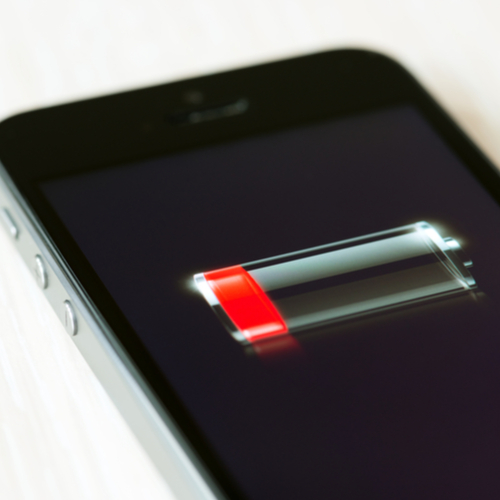
Even with iOS 13.3 installed, there are steps you could be taking to enhance your iPhone battery and prevent it from depleting so fast. For starters, get out of the habit of charging it only at night by carrying a charging cable around and giving it occasional charging boosts throughout the day. Aim to keep the battery range between 40 and 80 percent at all times and don’t wait for the battery to dip down below 10 percent to give it that boost it needs.


Author:

Lisa Fogarty is a lifestyle writer and reporter based in New York who covers health, wellness, relationships, sex, beauty, and parenting.

Person holding Android phone demonstrating apps.
iPhone 17 on table with modern aesthetics.
Woman using laptop while relaxing at home.
Smartphone connected to charger on a desk.
Various iPhone apps displayed on a smartphone screen.
Close-up of male hands holding an Apple iPhone 17 Pro Max.
User interacting with an iPhone in a casual setting.
Close-up of a hand holding an iPhone with visible apps.
Woman texting on a smartphone outdoors.
Android phone displaying various applications on screen.
Samsung Galaxy Z Flip 7 smartphone in a stylish setting.
Woman in jeans enjoying a fresh summer watermelon salad.
Person holding Android phone displaying various apps.
iPhone 14 showcasing multiple applications on screen.
iPhone screen showing charging settings menu.
Sony WH-CH720N headphones with iPad and laptop.
User interacting with an iPhone device.
iPhone displaying a selection of apps.
Notification of iPhone storage being full.
Individual holding an iPhone in hand.
Person holding Android phone demonstrating apps.
iPhone 17 on table with modern aesthetics.
Woman using laptop while relaxing at home.
Smartphone connected to charger on a desk.
Various iPhone apps displayed on a smartphone screen.
Close-up of male hands holding an Apple iPhone 17 Pro Max.
User interacting with an iPhone in a casual setting.
Close-up of a hand holding an iPhone with visible apps.
Woman texting on a smartphone outdoors.
Android phone displaying various applications on screen.
Samsung Galaxy Z Flip 7 smartphone in a stylish setting.
Woman in jeans enjoying a fresh summer watermelon salad.
Person holding Android phone displaying various apps.
iPhone 14 showcasing multiple applications on screen.
iPhone screen showing charging settings menu.
Sony WH-CH720N headphones with iPad and laptop.
User interacting with an iPhone device.
iPhone displaying a selection of apps.
Notification of iPhone storage being full.
Individual holding an iPhone in hand.

















