



Madonna at the Met Gala in stunning fashion.
Taylor Swift boarding a private jet in 2024.
Woman experiencing fatigue from lack of sleep.

Tech

4 Mistakes You Should Never Make When Charging Your iPhone

April 28, 2019 by Lisa Cupido
shefinds | Tech
Featured image

Charging your iPhone correctly isn’t always simply a matter of plugging in your device and being done with it. There is a right way to change your iPhone, and several wrong ways that could be costing you your phone’s battery and ability to run correctly.

Here are four mistakes you should never make when charging your iPhone.

house unit img
Women Are Swapping Their Boring Water For This Ice Pop Electrolyte Mix!
iphone

Waiting Until Your Phone Is Dead To Charge It


One of the worst mistakes you can make to your phone is waiting until the battery has dropped down to 5 percent and then rushing to charge it up to 100 percent. The reason for this is that your phone has a lithium battery that doesn’t respond well to a zero percent charge. The more often you wait until the battery is totally dead to charge it, the more likely you are to destroy your iPhone battery. Play it safe by charging your phone a few times during the day.
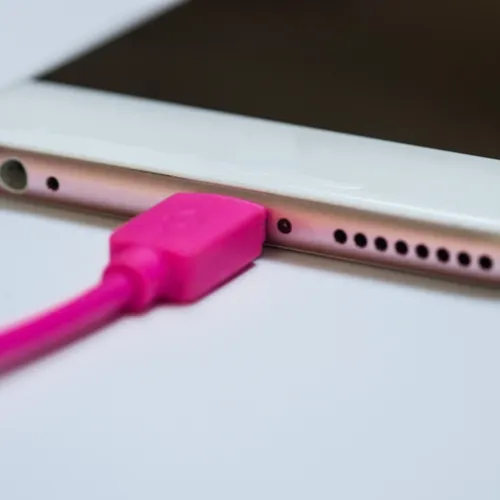
iphone charger

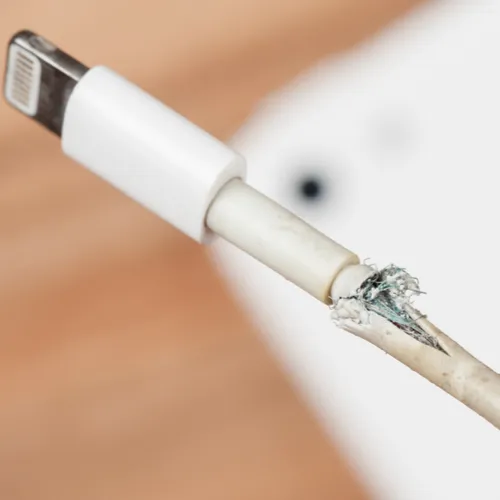
You’re Using A Third-Party Charger


Just say “no” to third-party chargers, no matter how much cheaper they are than your Apple charger. All too many off-brand chargers have ruined phone batteries — and Apple is not under any obligation to replace your phone or to help you if you aren’t using Apple-certified accessories.
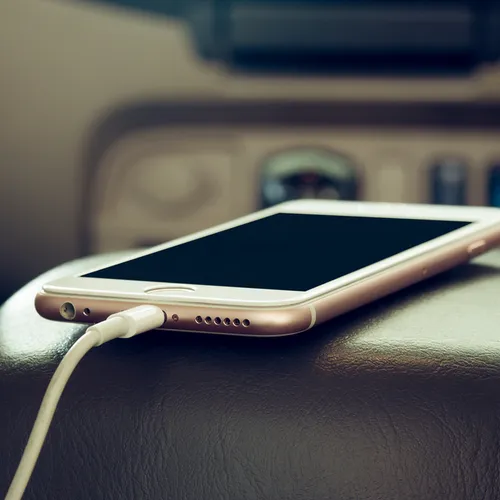
iphone

You Charge Your Phone In Extreme Temperatures


Charging your phone in an area that is either too hot or too cold is a battery killer. One common place that we forget can be devastating on our phone’s battery is the car, which is susceptible to extreme cold and heat.
charger

You Rely On Wireless Chargers


Using a wireless charger on occasion is not a bad thing — and they’re especially great during a jam. But wireless charges can heat up fast and cause your device to overheat. They should never be your primary charging tool.
iphone

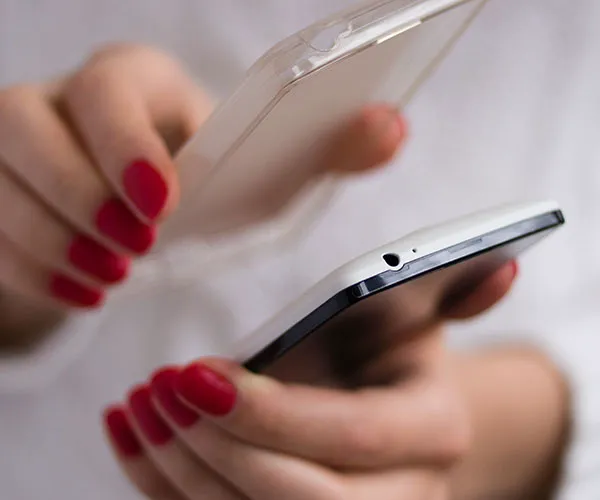
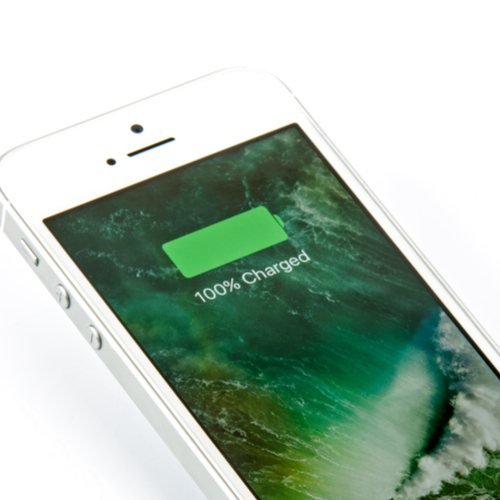
Other tips that keep your iPhone battery in good working health while charging it include taking off the case, which can cause your phone to overheat, and charging your phone to 100 percent each time, all of the time. Experts actually say the optimum charge for your iPhone is between 30 and 80 percent, according to Thrillist.
iphone

Following these simple tips will help sustain your iPhone battery for as long as possible. Always use Apple-certified chargers and accessories and charge your phone just enough (in an temperate area) but not too much.


Author:

Lisa Fogarty is a lifestyle writer and reporter based in New York who covers health, wellness, relationships, sex, beauty, and parenting.

Latest iPhone 17 model showcasing sleek design.
Woman working on laptop in a casual setting.
Smartphone plugged into charger for power.
Display of various apps on iPhone screen.
Close-up of hands holding iPhone 17 Pro Max.
User interacting with iPhone in everyday use.
Person holding iPhone with multiple apps displayed.
Woman texting on smartphone with focused expression.
Android phone featuring a variety of applications.
Samsung Galaxy Z Flip 7 smartphone on display.
Woman enjoying fresh watermelon salad in casual outfit.
User holding Android phone displaying various apps.
iPhone 14 showcasing multiple applications on screen.
iPhone settings screen indicating low battery charge.
Sony headphones with iPad and laptop on Amazon.
Person using iPhone with apps visible on screen.
iPhone displaying a selection of apps available.
iPhone storage full notification on the screen.
User holding an iPhone with visible apps.
iPhone screen filled with various application icons.
Latest iPhone 17 model showcasing sleek design.
Woman working on laptop in a casual setting.
Smartphone plugged into charger for power.
Display of various apps on iPhone screen.
Close-up of hands holding iPhone 17 Pro Max.
User interacting with iPhone in everyday use.
Person holding iPhone with multiple apps displayed.
Woman texting on smartphone with focused expression.
Android phone featuring a variety of applications.
Samsung Galaxy Z Flip 7 smartphone on display.
Woman enjoying fresh watermelon salad in casual outfit.
User holding Android phone displaying various apps.
iPhone 14 showcasing multiple applications on screen.
iPhone settings screen indicating low battery charge.
Sony headphones with iPad and laptop on Amazon.
Person using iPhone with apps visible on screen.
iPhone displaying a selection of apps available.
iPhone storage full notification on the screen.
User holding an iPhone with visible apps.
iPhone screen filled with various application icons.

















