







Many iPhone owners wonder at some point: why is my iPhone always running out of battery power so fast — and what can I do about it?
That last question has more than a few answers, as well as a myth or two that still follows it around. One of the assumptions is that you can restore your battery power by deleting apps that you’ve accumulated. Once and for all, does removing apps from your iPhone save battery life?

Women Are Swapping Their Boring Water For This Ice Pop Electrolyte Mix!
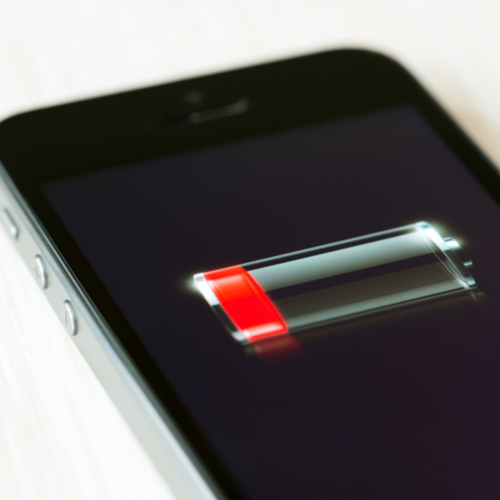
If your iPhone battery struggles to make it past mid-day, the problem could very well be the battery itself (as well as a range of other possibilities). And, yes, according to sources like Macworld, running certain apps on your phone may just be one of the culprits behind your battery problem.
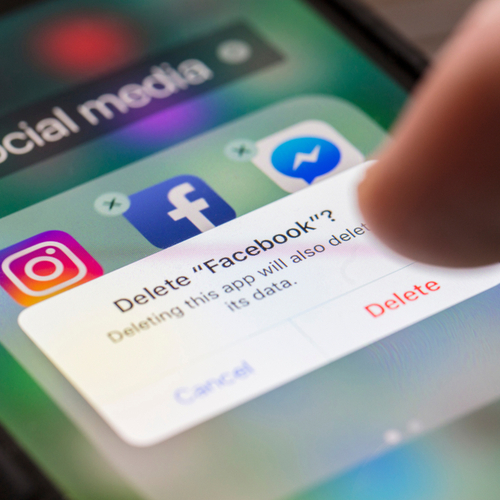
The worst apps that are killing your battery right now include Facebook and other social media apps — but, if you’re looking to make just one change, deleting the Facebook app and using Facebook in your Safari browser could be a game changer.
According to Macworld: “A quick look in your Battery Usage log (Settings > Battery) will reveal how much battery life Facebook is guzzling. Ours has used 26% of our iPhone's charge in the last 24 hours.
Facebook was also accused of allowing battery drain to occur even if iPhone owners have background app refresh disabled in Settings > General > Background App Refresh. Facebook admitted the fault and then fixed it, but battery drain issues are still plaguing users.”
Deleting certain apps can help restore your battery power. But there’s a popular app myth that continues to roam unchecked — and it’s one that won’t do a thing to help with battery.
One tip you’ll hear often is that if you close all of your apps it will save you a great deal of battery power.
The truth, according to Business Insider, is that it won’t do a single thing to help with your power.
“Last year, Apple fan Caleb sent an email to CEO Tim Cook asking, ‘Do you quit your iOS multitasking apps frequently and is this necessary for battery life?’ Craig Federighi, the head of software development at Apple, replied: ‘No and No. :-).’”
While you’re swiping to close out your apps, thinking what a necessary pain it is to do, former Apple technician and MartianCraft CEO Kyle Richter actually wrote out an explanation for why closing out apps is even worse for your battery, reports Business Insider.
According to Richter:
“The very process of quitting an app will use up a measurable amount of battery life. There are times when the device may need those resources and it will quit the app on your behalf, which will drain the battery in the same fashion.”
By all means, delete your Facebook app and save some battery power on your iPhone. But before you bother closing out apps or deleting even more apps, it would be more worth your time to take simple steps like lowering the brightness level of your screen, disabling WiFi when you’re in a place with a bad connection, and turning on Low Power Mode.



















