



The Smith family at the Bad Boys premiere event.
Kourtney Kardashian at the Grammy Awards red carpet.
Katy Perry and Orlando Bloom sharing a moment together.

Tech

The One App You Should Delete Right Now If You Never Want To Run Out Of Battery Again

January 8, 2020 by Lisa Cupido
shefinds | Tech
Featured image

Even if you have the most expensive, highest quality smartphone on the market, there are certain apps that are determined to kill your battery as fast as possible. And the truth is: these apps may be fun, but you probably don’t need them — especially if deleting them means your phone will work better and won’t lose its charge within hours.

Determined to get a faster, more reliable phone? Start by focusing on the one app you should delete right now if you never want to run out of battery again.

house unit img
Women Are Swapping Their Boring Water For This Ice Pop Electrolyte Mix!
iphone

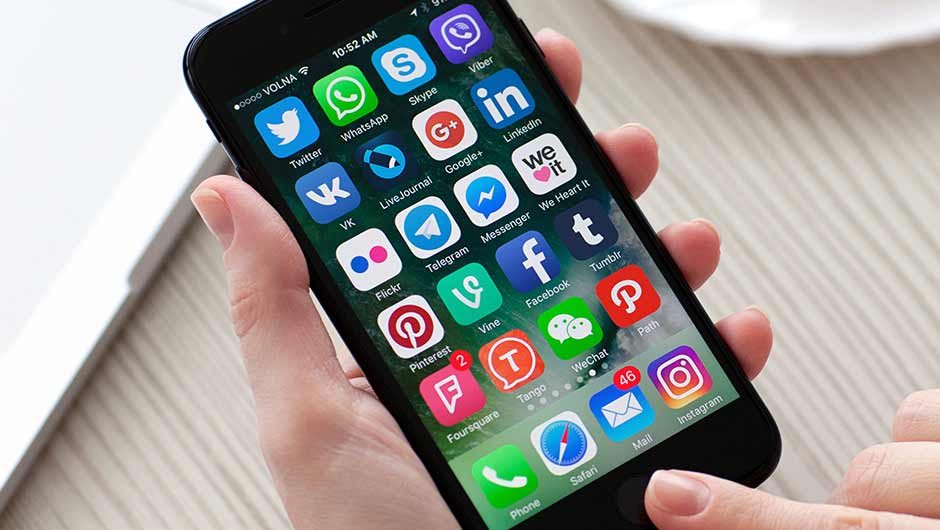
A number of social media apps drain your phone’s battery at a fast rate. And it’s more than likely you’ve already heard about how fast Facebook depletes your battery. But if you’ve deleted Facebook and are still experiencing a lag in battery power, this is the next social media app that deserves your attention.
iphone

Snapchat


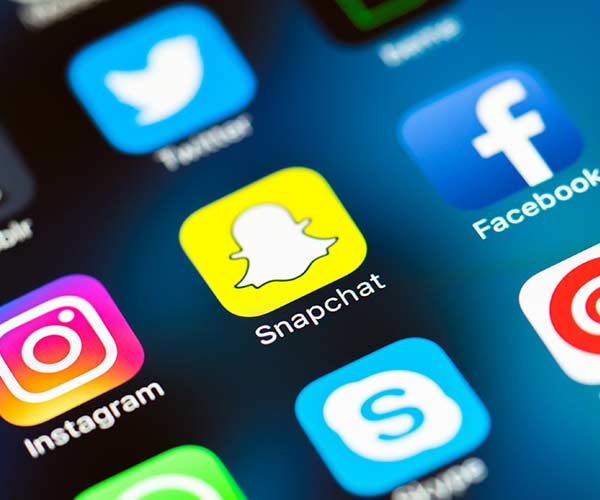
Snapchat is loved by users because it offers a no-commitment way to share videos and snippets of life that then vanish after a few seconds. But the app is also constantly tracking your location to report your real-time location, according to Tech Engage, which is a total battery drain. What’s more: it is a camera app with chat and video — also draining.
iphone

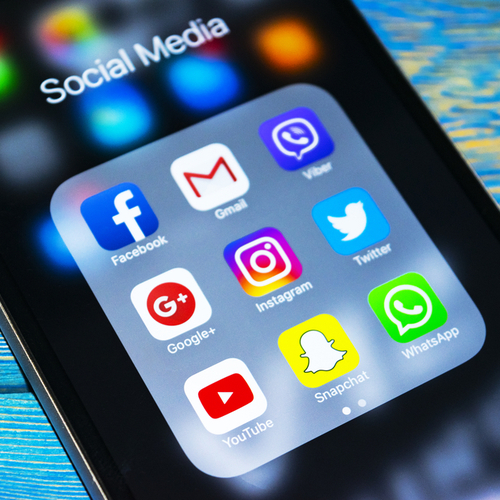
The first thing you can do to prevent some of that Snapchat battery drainage is turn off notification services. To do this, go to Snapchat > Settings > “Who Can” tab > See My Location > Choose “Ghost Mode."
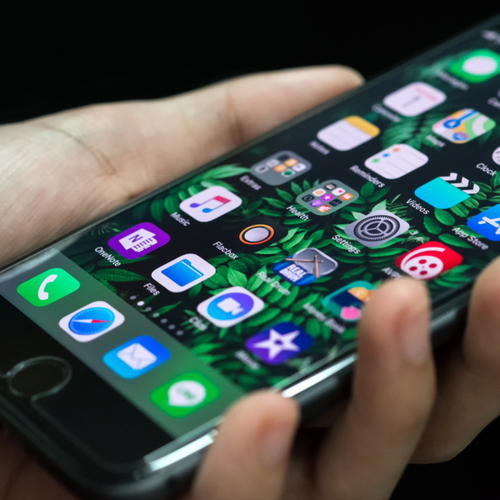
iphone

Turning off notifications on Snapchat will also help boost your battery, as will turning down the brightness on your screen (whether or not you’re using Snapchat).


Of course, as with the Facebook and Facebook Messenger apps, the only real way to gain back a significant amount of battery power on your smartphone is by deleting the Snapchat app. Living without it may be a struggle at first, but you’ll immediately notice the benefit in your smartphone battery power.


Author:

Lisa Fogarty is a lifestyle writer and reporter based in New York who covers health, wellness, relationships, sex, beauty, and parenting.

Close-up of Android phone showcasing app interface.
New iPhone 17 showcasing sleek design and features.
Woman working on laptop in a modern workspace.
Smartphone charging with a power adapter connected.
Display of popular apps on an iPhone screen.
Close-up of hands holding an iPhone 17 Pro Max.
Individual using an iPhone for various tasks.
Person holding iPhone displaying multiple apps.
Woman texting on her smartphone with focus.
Android phone showcasing diverse applications.
Samsung Galaxy Z Flip 7 smartphone in use.
Woman enjoying a fresh summer salad outdoors.
Holding an Android phone with app interface visible.
iPhone 14 displaying a variety of installed apps.
iPhone indicating low battery and charging settings.
Sony headphones and iPad being used with laptop.
Individual engaging with an iPhone for communication.
iPhone screen filled with various app icons.
Alert showing iPhone storage is full.
Person holding an iPhone in a casual setting.
Close-up of Android phone showcasing app interface.
New iPhone 17 showcasing sleek design and features.
Woman working on laptop in a modern workspace.
Smartphone charging with a power adapter connected.
Display of popular apps on an iPhone screen.
Close-up of hands holding an iPhone 17 Pro Max.
Individual using an iPhone for various tasks.
Person holding iPhone displaying multiple apps.
Woman texting on her smartphone with focus.
Android phone showcasing diverse applications.
Samsung Galaxy Z Flip 7 smartphone in use.
Woman enjoying a fresh summer salad outdoors.
Holding an Android phone with app interface visible.
iPhone 14 displaying a variety of installed apps.
iPhone indicating low battery and charging settings.
Sony headphones and iPad being used with laptop.
Individual engaging with an iPhone for communication.
iPhone screen filled with various app icons.
Alert showing iPhone storage is full.
Person holding an iPhone in a casual setting.

















