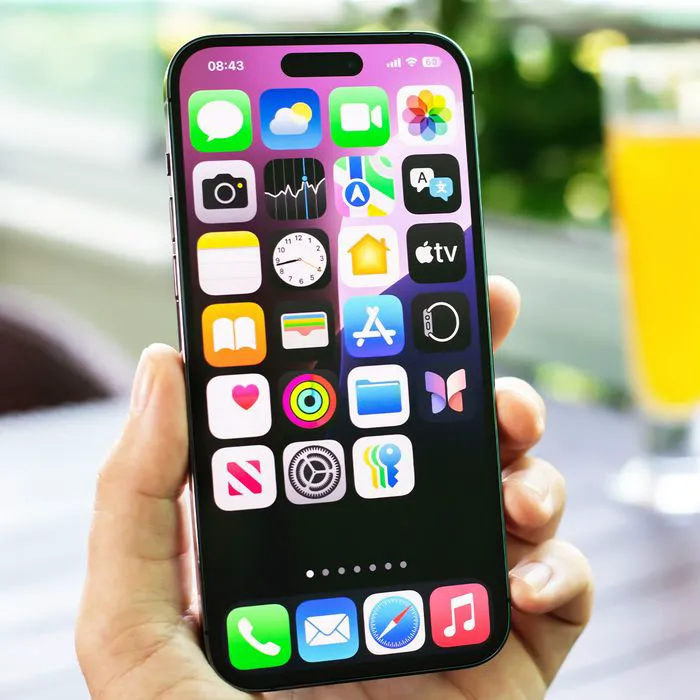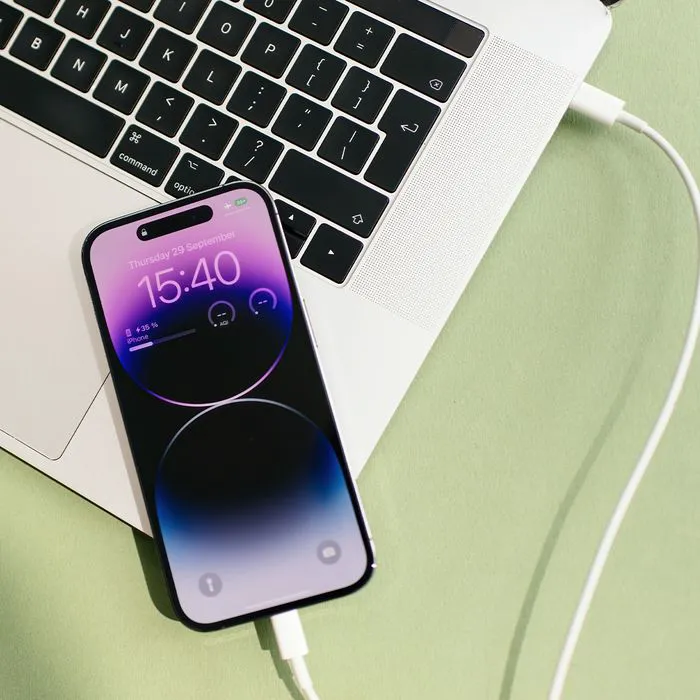




The dreaded “iPhone Storage Full” alert. It requires that you choose–on the spot–to delete some of your precious data, in returning for adding more. Not fair!
Did you know that there are some helpful hacks for freeing up space immediately that don’t require you to choose from your beloved photos and music? Yes! Here’s what the experts say you should do first to free up a ton of storage immediately:

Women Are Swapping Their Boring Water For This Ice Pop Electrolyte Mix!
Old Conversations
"Head into Settings > General > iPhone Storage > SHOW ALL RECOMMENDATIONS and hit Auto Delete Old Conversations to automatically remove all messages and attachments that are over a year old," James Francis, smartphone solutions expert at Direct Mobiles, tells us. "I freed up 700MB doing this just today." Wow!
Extra Data
"The iPhone has a built-in cleaning function where it deletes the extra data taken up by apps. To engage it, go to the iTunes store and attempt to download a large movie file," social media strategist Spencer Smith tells us. "The iPhone will clean the fat apps (usual offenders are the social media platforms)." Wow!
Utilities
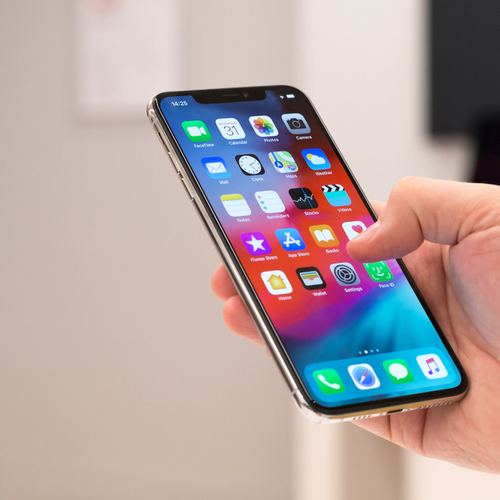
"By default, Apple gives you a number of free apps when you purchase an iOS device. These include Pages, Keynote and Numbers, apps that are useful for editing documents, spreadsheets and powerpoint presentations from your device," Christian Karasiewicz, social media strategist and CEO of Social Chefs, tells us.
"If you don't use these, you can easily delete them and free up gigabytes of storage space (each app is around 1 GB in size)."
"Your iOS device includes a host of useful utilities (provided you plan to use them)," Christian agrees. "Instead of storing them in a folder titled unused, you can delete them instead. These include apps such as Stocks, Tips, Home, Apple News and more." A-ha!
"If you use other mobile apps to manage these areas, there's no sense in keeping duplicate apps," he says.
Large Attachments
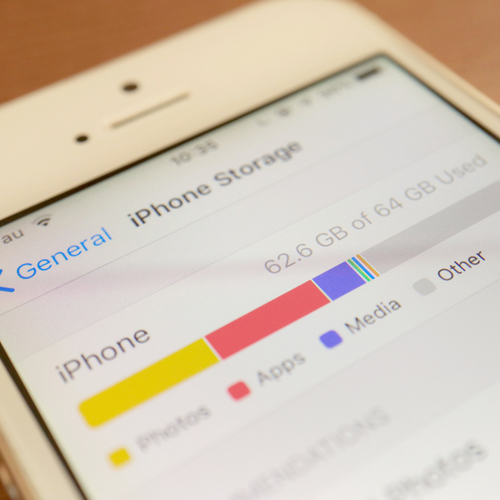
"Get rid of all the big photos, videos and files that have been sent to you on Messages. Again, in Settings > General > iPhone Storage > Review Large Attachments," James advises. "You’ll be surprised at how many are 5MB or larger and these soon all add up. I have one video that was 38MB on a message."

Rarely-Used Apps
"Yes, you can delete old apps you no longer use to free up space but did you know you can also offload rarely used apps but still have them accessible if needed at some point?" James reveals. "Offloading an app will remove the app from your iPhone but keep the data on there available for next time you want to use the app. The app’s icon stays on your screen with the addition of a small cloud next to it. Clicking the icon re-downloads the app and then you can use it again as normal. This is ideal for apps you rarely use but still want available. Just to go Settings > General > iPhone Storage and under recommendations click Enable. You can also turn the feature on and off under Settings > iTunes & App Stores > Offload Unused Apps." Life changing!
Music Downloaded To Apps
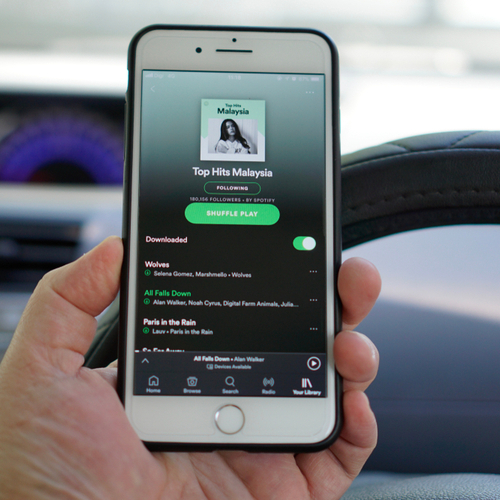
"Delete music downloaded to the Apple Music app or Spotify," Spencer suggests. "These can take up a deceiving amount of space."

Reduce The Size Of Videos
You can also reduce the size of videos to free up storage on your iOS device, Christian points out.
"Do you need to be capturing photos and videos at their highest resolution? If you don't plan to use them for bigger projects, such as printing them or creating a video, you can look under Settings > Camera and reduce the quality of the video that you capture."
"For example, just one minute of video at 4K takes up a whopping 170 mb compared to just 90 mb for 1080p HD at 60 fps (a level below 4K).
By reducing the quality of the videos you take, you can free up additional storage. Remember, when you reduce the quality of videos, you cannot take smaller videos and increase them in size, the videos won't hold-up and will look pixelated, so you typically want to shoot at the highest resolution that you have enough space for."