
Stylish car fragrance diffuser in sleek sneaker design
Pouring Vitamin D oil into palm for health benefits
Comparing cooking spray and olive oil for healthy cooking

Homepage

The One Setting You Should Turn Off Immediately To Speed Up Your iPhone And Improve Battery Life

October 21, 2022 by Lisa Cupido
shefinds | Homepage
Featured image

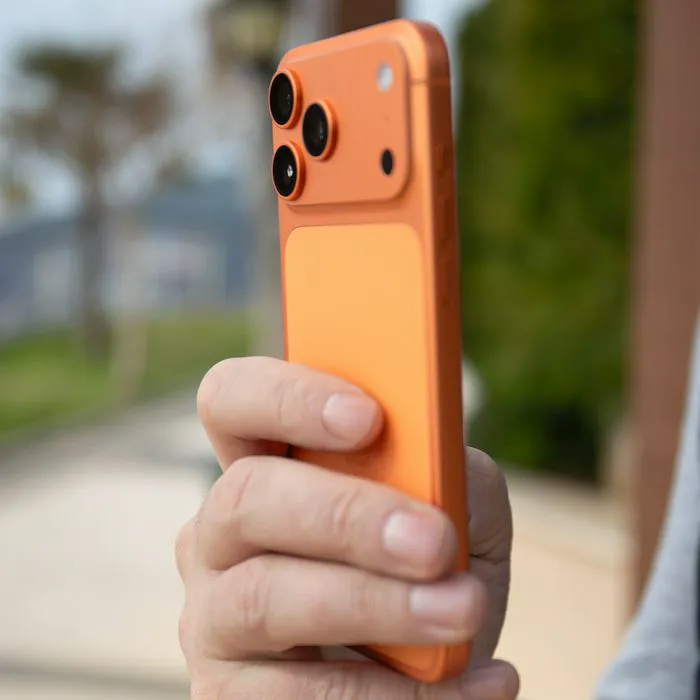
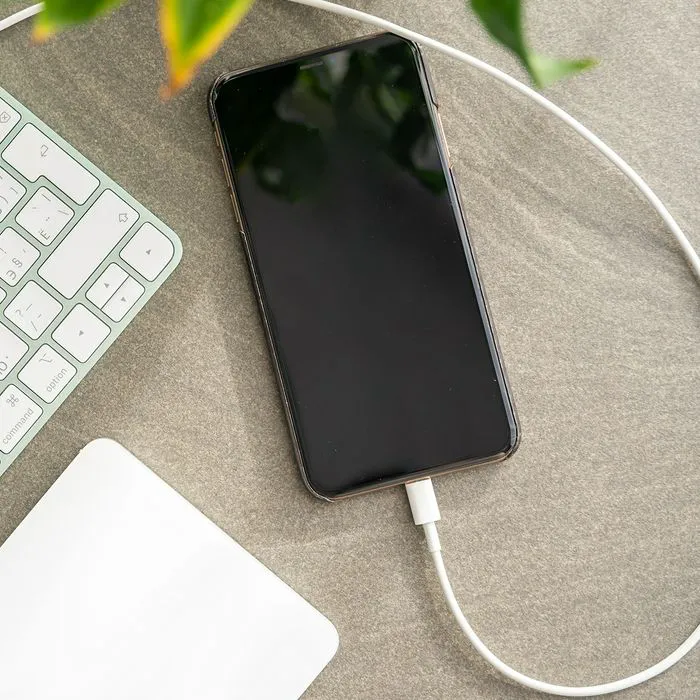
Frustrated with your slow iPhone? Before you throw in the towel and splurge on a brand new device or even a new battery, keep in mind that certain phone settings can contribute to an ever-dwindling battery. So changing those settings is the easiest, fastest, and cheapest way that you can make your phone run more efficiently. 

“There are a lot of features and design in the software of an iPhone that provides functionality and even beauty to the user’s experience,” said Dylan Kaplan, founder and tech blogger at EnjoyMachineLearning.com. “However, there are certain settings that can be turned off in order to improve battery life and performance.” Kaplan suggests turning off this one setting to speed up your iPhone and improve battery life. The best part? You won’t even miss it. 

Turn Off Excessive Motion 

“There is a setting in an iPhone which is ‘Reduce Motion,’” Kaplan explained. “When this is toggled on, the parallax effect of iOS will be turned off. With reduced motion, the battery of the iPhone will surely improve because there will be reduced effects, further, the transition between pages will be simpler and more straightforward so the overall speed will also improve. No need for excessive effects which require considerable graphics which in turn can slow down performance and consume more battery charge.”

Turn Off Background App Refresh, As Well

By turning off Background App Refresh, you can improve your iPhone’s battery life and performance, Kaplan reminds us. 

“Background App Refresh allows apps to refresh their content in the background, but this can take a toll on your battery and slow down your phone,” Kaplan said. “You can disable Background App Refresh by going to Settings > General > Background App Refresh. Here, you can choose to turn it off completely or selectively disable it for certain apps. If you’re not using an app, there’s no need for it to be refreshing its content in the background. Turning off Background App Refresh is a simple way to improve your iPhone’s battery life and speed up its performance.”

These two simple tips can help speed up your phone without the need to spend a dollar more on improving its performance. 
Author:

Lisa Fogarty is a lifestyle writer and reporter based in New York who covers health, wellness, relationships, sex, beauty, and parenting.

Catherine, Princess of Wales, at a wreath-laying service.
Harper Beckham at the Netflix premiere of 'Victoria Beckham.'
Woman texting on her smartphone, capturing a candid moment.
Hailey Bieber showcasing haircuts for fine hair.
Shania Twain at Universal Music Group's Grammy Awards after-party.
Kim Kardashian at the TIME100 Gala in glamorous outfit
Older woman taking supplements with water for health.
Ivanka Trump with Tiffany, Kai, and Bettina Trump
Donald Trump at UFC Freedom 250 wrestling event
Catherine, Princess of Wales, at RHS Wellbeing Garden visit
Image from SHEfinds
Taylor Swift performing at the MTV Video Music Awards
Gavin Newsom and Karen Bass at a public event
Image from SHEfinds
Amy Adams with Aviana and Scarlett Johansson at premiere
Image from SHEfinds
Kylie Jenner with kids Stormi and Aire enjoying family time
Image from SHEfinds
Catherine Zeta-Jones at Ant-Man and the Wasp UK screening
Handful of various health supplements for daily use.
Catherine, Princess of Wales, at a wreath-laying service.
Harper Beckham at the Netflix premiere of 'Victoria Beckham.'
Woman texting on her smartphone, capturing a candid moment.
Hailey Bieber showcasing haircuts for fine hair.
Shania Twain at Universal Music Group's Grammy Awards after-party.
Kim Kardashian at the TIME100 Gala in glamorous outfit
Older woman taking supplements with water for health.
Ivanka Trump with Tiffany, Kai, and Bettina Trump
Donald Trump at UFC Freedom 250 wrestling event
Catherine, Princess of Wales, at RHS Wellbeing Garden visit
Image from SHEfinds
Taylor Swift performing at the MTV Video Music Awards
Gavin Newsom and Karen Bass at a public event
Image from SHEfinds
Amy Adams with Aviana and Scarlett Johansson at premiere
Image from SHEfinds
Kylie Jenner with kids Stormi and Aire enjoying family time
Image from SHEfinds
Catherine Zeta-Jones at Ant-Man and the Wasp UK screening
Handful of various health supplements for daily use.